How to Launch a Podcast Website in Under an Hour
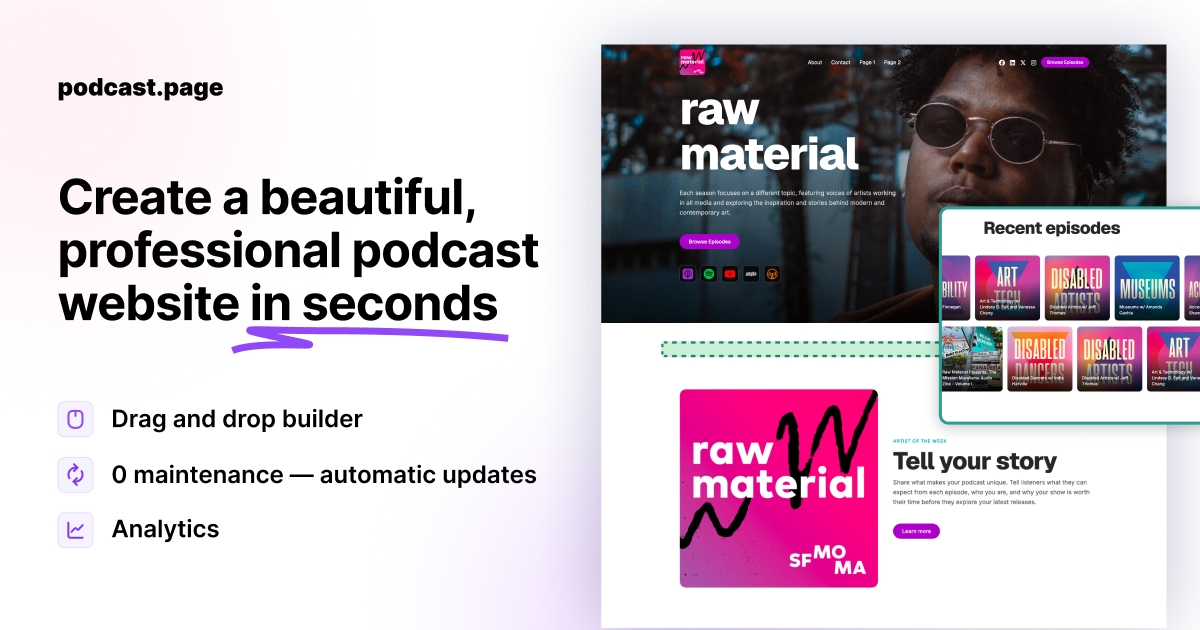

Publishing a podcast website does not have to mean weeks of design work or hiring a developer. If you already have a show on Apple Podcasts, Spotify, or any platform with an RSS feed, most of the hard work is done—you already have episodes, artwork, and descriptions.
This article is a placeholder while we build out the full blog. Here is the short version of what a modern podcast website setup looks like:
Start with your RSS feed
Your RSS feed is the source of truth for your show. A website builder that connects to RSS can pull in your title, cover art, episode list, and show notes automatically—so you are not copying and pasting every time you publish.
Pick the pages that matter
At minimum, most podcasters need a home page, an episode archive, and a way for listeners to subscribe on their favorite apps. Link-in-bio style pages are useful if you promote the show primarily on social media.
Publish and share
Once the site is live, use your own domain if you have one, or start with a hosted URL and upgrade later. Share the homepage on social profiles, email signatures, and episode show notes so new listeners have one clear destination.
What comes next
We will expand this blog with guides on analytics, custom domains, episode sync, and SEO for podcast landing pages. Check back soon—or head to the homepage to create your site from your RSS feed.