Podcast Player for Website: Options That Actually Work on Mobile

TL;DR
- Match the player to maintenance: host iframe (one-off), Podlove/PodEmbed (RSS embed script), WordPress Podcast Player block (feed URL), or podcast.page (auto-synced episode pages).
- Test on iOS Safari; fixed-width iframes and tiny play buttons are the usual mobile failures.
- Pair every player with subscribe badges below and show notes above or beside the audio.
You are past the basics of embedding audio and now choosing which player visitors will use on your site: appearance, mobile behavior, whether it updates when you publish, and how much code you maintain.
A good podcast player for a website loads fast, works on phones without zooming, and plays the correct episode file from your RSS enclosure.
What a site player needs to do
Before comparing brands, list requirements:
- Plays your hosted audio file (MP3 or equivalent enclosure from your feed)
- Responsive layout on narrow screens
- Clear play/pause and scrub controls
- Episode title and artwork visible for context
- Optional playback speed for interview and educational shows
- No broken dependency when you change hosts (if possible)
Fancy waveforms and chapter markers are nice; reliability matters more.
Option 1: Host-provided embed players
Buzzsprout, Podbean, Transistor, Captivate, and similar hosts ship styled players with share/embed dialogs.
Strengths: quickest setup, maintained by the host, matches their analytics.
Weaknesses: limited branding, manual embed per episode on static sites, design may not match your site.
Use when you drop an occasional player into blog posts or a simple About page. See how to embed a podcast on your website for paste-in steps.
[Screenshot: host-provided embed player on a sample page]
Option 2: HTML5 audio element
For full control on a hand-built page, native <audio> tags work:
<audio controls preload="metadata" src="https://your-cdn.com/episode.mp3">
  Your browser does not support the audio element.
</audio>
Strengths: no third-party iframe, lightweight, you control styling around the element.
Weaknesses: you hardcode file URLs unless you script dynamic updates from RSS; basic UI unless you build or import a skin.
Best for developers or single landing pages with rare new episodes.
Option 3: WordPress podcast players
Self-hosted WordPress: Seriously Simple Podcasting and PowerPress ship player shortcodes and blocks tied to episode posts. Configure once, insert the player block on your template.
WordPress.com: The native Podcast Player block accepts any public RSS feed URL and renders recent episodes with artwork, titles, and descriptions. No plugin install required on hosted WordPress.com plans.
Strengths: integrates with editorial workflow; Podcast Player block is the fastest way to drop a feed-driven list on a blog.
Weaknesses: self-hosted WordPress still needs plugin updates; styling is functional, not bespoke.
Compare platform overhead in podcast website vs WordPress.
Option 4: podcast.page and similar builders with native players
Builders designed for shows generate episode pages where the player is part of the template, fed automatically from RSS.
When you publish on your host, the next sync updates the archive and the player source without swapping embed code.
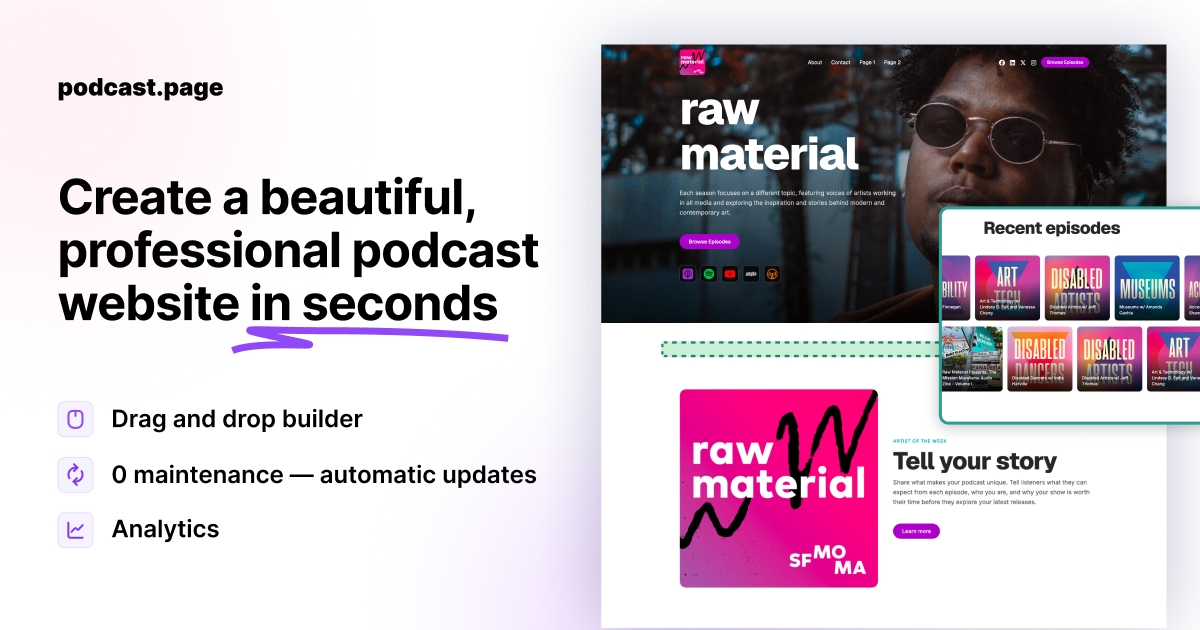
podcast.page uses this pattern: episode pages ship with a player, artwork, and show notes from your feed. You share the page URL instead of managing player snippets.
[Screenshot: podcast website episode page player on mobile]
Strengths: lowest ongoing effort for weekly publishers; consistent branding.
Weaknesses: less exotic customization than a bespoke HTML5 player; tied to the builder's template system.
Option 5: Third-party javascript players
Named tools worth evaluating before you custom-build:
| Tool | Standout feature | Best for |
|---|---|---|
| Podlove Web Player | Chapters + searchable transcripts | Technical shows with rich metadata |
| PodEmbed | Full, card, or sticky bar modes from RSS | Blogs that need one embed script |
| Octopod Player | Web component, Podcasting 2.0 hooks | Developers who want a lightweight custom UI |
| Host iframe (Buzzsprout, etc.) | Zero config | Single posts or about pages |
Before paying for a third-party player, confirm it pulls from RSS continuously, not only when you manually upload MP3 URLs.
Comparison summary
| Player type | Auto-updates with new episodes | Standout feature | Technical effort |
|---|---|---|---|
| Host embed | Manual per episode | Fastest one-off setup | Low |
| HTML5 audio | Manual URL updates | No iframe dependency | Medium |
| WordPress Podcast Player block | Yes (RSS feed) | Built into WordPress.com | Low |
| WordPress SSP / PowerPress | Yes with plugin config | Deep WP integration | Medium |
| PodEmbed / Podlove | RSS-dependent | Sticky bar, chapters | Medium |
| Podcast site builder | Yes via feed sync | Branded episode pages | Low |
Mobile mistakes to avoid
Tiny tap targets. Buttons smaller than roughly 44px frustrate touch users.
Fixed-width iframes. They overflow or clip on phones; prefer full-width embeds.
Autoplay. Mobile browsers block unexpected audio and annoy visitors.
Multiple players auto-loading. One episode per page is cleaner for performance and analytics.
Test on iOS Safari and Chrome Android with real episodes, not silence placeholders.
Player plus subscribe flow
A player handles listening on the web. Many visitors still want your show in their podcast app.
Place subscribe badges (Apple Podcasts, Spotify, etc.) directly under the player. The combination covers "listen now" and "follow for later."
Example structures that work well appear in podcast website examples.
Which option should you pick?
Publish weekly and hate maintenance: podcast.page or WordPress with solid RSS sync.
One static company site with rare audio: host embed or HTML5 for a single file.
Design-critical media brand: third-party player with engineering time budgeted.
Still choosing your stack: start with best podcast website builders to narrow platforms before you lock in a player.
Frequently asked questions
What is the best podcast player for a WordPress site?
There is no single winner. Seriously Simple Podcasting and PowerPress are common starting points. Pick based on RSS features, player appearance, and whether you need stats integration.
Can I use Spotify's embed as my website player?
Spotify embeds play inside Spotify's ecosystem. They work for promotion but do not replace a player tied to your own RSS audio file if you want open-web playback independent of Spotify.
Do website players affect download statistics?
Plays in embedded web players may count differently from app downloads depending on your host's analytics. Check your host docs if sponsor reporting depends on download numbers.
How do I add a podcast player without coding?
Use your host's embed tool, a WordPress plugin block, or podcast.page, which includes players on episode pages automatically.